
You submit your Google Business Profile reinstatement request, expecting your listing to be back online in a few days. But while some businesses recover quickly, yours is still under review. If you’re wondering why some Google Business Profiles get recovered faster than others, you’re not alone. The reinstatement process depends on several factors, including the reason for the suspension, the information you provide, and whether your business follows Google’s guidelines.
Below, we’ll explain what affects Google Business Profile recovery, why some reinstatement requests take longer than others, what you can do to improve your chances of faster approval, and when it may be helpful to work with a GBP reinstatement expert.
What is Google Business Profile reinstatement?
Google Business Profile reinstatement is basically the step of restoring a suspended, or disabled business profile so it can show up again on Google Search and Google Maps. If your profile got suspended customers might not be able to locate your business, see your reviews, or even contact you from your listing. Through reinstatement, eligible businesses try to return their online presence, after Google reviews the situation and confirms the profile fits its rules.
There are two major suspension types people run into:
Soft Suspension: your Google Business Profile may still be visible on Google, but you can’t manage it properly.
Hard Suspension: your business profile stops showing in Google Search and Google Maps, until it’s approved for reinstatement.
To recover a suspended profile, you first need to figure out why it was suspended, then correct the policy problems, and submit a Google Business Profile reinstatement request with correct business details and any supporting materials. After that, Google reviews the request before deciding whether your listing can be brought back.
One more thing, Google Business Profile recovery is not something that just happens automatically. Some businesses get fixed faster because they provide complete, accurate information from the start. Others get stuck longer due to missing paperwork, mismatched business information, or policy concerns that were not addressed. Learning how reinstatement works can keep you from common slip ups and, honestly, improve your odds for a smoother result.
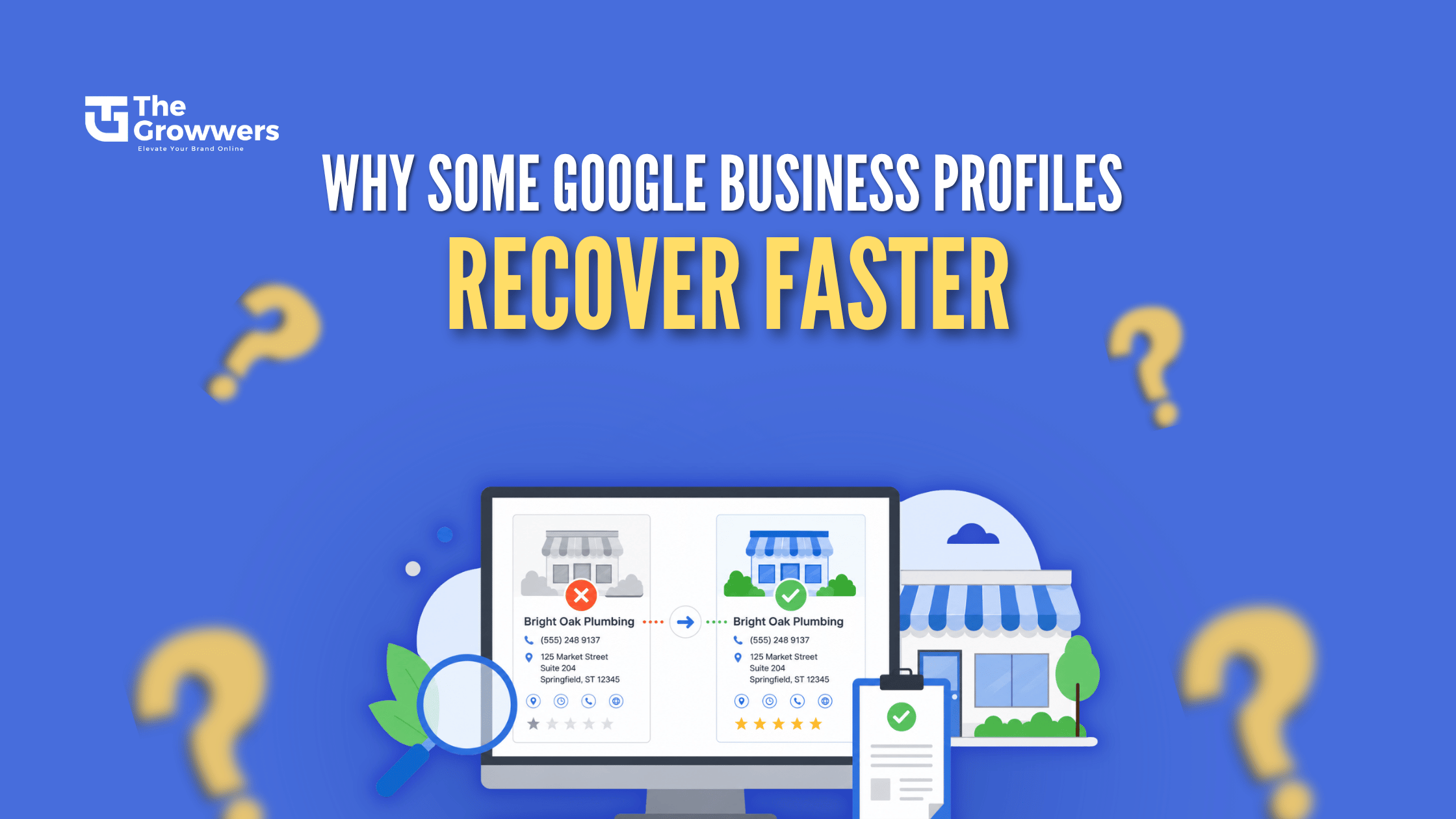
Why Do Some Google Business Profiles Get Recovered Faster?

Many business owners assume that Google reviews every Google Business Profile reinstatement request in the same way. In reality, every case is different. Google looks at several factors before deciding whether a suspended profile should be restored. If your profile clearly follows Google’s guidelines and you provide the right information, your Google Business Profile recovery is more likely to happen faster.
Here are the main reasons why some Google Business Profiles get recovered faster than others.
1. The Reinstatement Request Is Complete
One of the biggest reasons for a quick recovery is submitting a complete and accurate reinstatement request. Businesses that provide all the required details, explain their situation clearly, and upload the correct supporting documents often avoid unnecessary delays.
Before submitting your request, make sure:
- Your business name matches your legal documents.
- Your address and contact details are correct.
- You include any documents Google asks for.
- Your explanation is honest and easy to understand.
2. The Business Follows Google’s Guidelines
Google wants to make sure every business listed on its platform is genuine. If your profile follows the Google Business Profile guidelines, the review process is usually much smoother.
Common issues that can delay Google Business Profile recovery include:
- Using keyword stuffed business names.
- Creating duplicate listings.
- Listing a virtual office as your business location.
- Providing incorrect business categories or service areas.
Fixing these issues before requesting reinstatement can improve your chances of a faster approval.
3. Supporting Documents Are Clear and Valid
Many reinstatement requests are delayed because the uploaded documents do not clearly prove that the business is real.
Google may ask for documents such as:
- Business registration or license.
- Utility bills.
- Tax documents.
- Storefront photos.
- Business signage.
- Photos showing the business location.
Clear, recent, and matching documents help Google’s review team verify your business more quickly.
4. The Suspension Reason Is Easy to Resolve
Not all Google Business Profile suspensions are equally complex. Minor issues, such as incorrect contact details, are usually resolved faster than suspensions involving misleading or ineligible business information, as they require less investigation.
5. The Business Details Are the Same Online
Google will actually verify your business by matching the information across your website and the various online directories. When everything lines up, in other words, consistent business details, it builds real trust. That way, it becomes easier for Google to confirm you are legitimate and to handle your reinstatement request without as much friction.
6. There Are No Repeat Policy Violations
If your profile has been suspended multiple times for like guideline issues, Google might do a more detailed look. Fixing every problem first before you submit the appeal can help you avoid extra delays, and yes sometimes that part matters a lot.
7. Professional Help Can Reduce Costly Mistakes
A Google Business Profile reinstatement specialist can spot the policy violations, line up the required paperwork, and send in a more complete appeal. Nobody can promise approval, but a well prepared request helps steer clear of the usual mistakes that keep the reinstatement timeline stuck longer than it should, in the real world.
Some Common Reasons Reinstatement Requests End up Taking Longer

Getting your Google Business Profile back can feel really annoying, especially when you watch other businesses get their profiles restored faster. A lot of the time, delays show up because Google needs more time to confirm the business, or it’s still looking into the problems tied to the reinstatement request. If you understand what’s usually behind the holdup, you can reduce avoidable errors and boost your odds for a quicker reinstatement, and yeah it can be… just a process.
1. Missing or incorrect details
One of the most common reasons for delays is when business information is submitted that is incomplete or just a little wrong. If your business name, location, phone number, or website does not line up with what you have in your official documents, Google could take extra time to confirm everything, even if it seems close.
2. Paperwork that is not included
Google will sometimes request documentation that shows your business is genuine. If the required documents are not there, or they are blurry/unclear, or they do not match what you wrote about your business, then your reinstatement request can stay in limbo and remain under review until the mismatch is fixed.
3. Unresolved issues with Google policy
If your profile is still bumping into Google’s Business Profile guidelines, chances are the approval won’t happen fast. Things like a business name that looks keyword-stuffed, a fake address, duplicate listings, or business info that’s a bit misleading can slow the whole review timeline, like more than you’d expect.
4. Several changes before or during the review
If you keep editing your Google Business Profile right after sending a reinstatement request, it can cause confusion. For example, changing your business name, category, address, or phone number while they are actively reviewing your case can trigger extra checks. And then the processing time stretches out, somewhat annoyingly longer.
5. Previous suspensions or repeated violations
If your business profile has been suspended more than once, Google may do a more detailed review before approving your request. When policy violations happen again and again, Google usually needs extra checks, and that can push the recovery timeline further out.
6. Weak online presence
Google tends to match business data across your website and well-known directories. If your business is basically invisible online, or if your contact details don’t match between platforms, it can take longer for Google to confirm you are real, and not some kind of impersonation or mismatch thing.
7. High volume of reinstatement requests
Sometimes the slowdown is not even coming from your side. Google gets thousands of reinstatement requests for Google Business Profile, and in peak periods the review queue just moves slower, so timelines can stretch. You can’t fully control Google’s workload, but you can control your submission if you send a complete and accurate request, your business has a better shot at passing the review flow without extra setbacks.
By steering clear of these common missteps and making sure your business information is correct from the beginning, you can reduce the chance of delays and improve the odds of a successful Google Business Profile recovery.
Factors That Can Improve Recovery Time

Even though Google does not promise exactly how long Google Business Profile recovery will take, there are a few things you can do to push your odds toward a quicker reinstatement. A request that is better prepared tends to help the review team confirm your business, it also cuts down the chance of extra waiting… sort of delays that come out of nowhere.
1. Send Correct Business Details
Before you submit your Google Business Profile reinstatement request, double check every part of your business information. Your business name, address, phone number, website, and business category should line up with your official documents and what you show on your website. Small inconsistencies, even minor mismatch stuff, can slow the review procedure down.
2. Provide Strong Supporting Documents
Supporting documents play an important role in proving that your business is genuine. Upload clear and recent documents that match your business information, such as:
- Business registration or license
- Utility bill
- Tax document
- Photos of your storefront and business signage
- Interior and exterior business photos
The more clearly you can verify your business, the easier it is for Google to review your request.
3. Fix every policy violation first, then appeal
A lot of business owners send a reinstatement request right away,like without properly fixing what actually triggered the suspension. Before you appeal, take a hard look at your profile, and double check it matches Google’s Business Profile guidelines. If you remove policy violations ahead of time, it can really raise your odds of a successful Google Business Profile recovery, not just a little, but noticeably.
4. Keep your business details consistent
Google compares information across your website and other reliable online listings. Your business name, street address, phone number, plus website should line up everywhere people find you. That kind of uniformity helps Google verify that your business is real, and it also supports your local SEO efforts along with the reinstatement workflow.
5. Write a Clear Reinstatement Explanation
When you fill out the reinstatement form, try to explain your situation in a kind of straight forward and honestly. Just briefly say what caused the issue, what tweaks you made to get it fixed, and confirm that your business now follows Google’s guidelines. A quick, professional message usually works better than a long, emotional one.
6. Avoid Making Unnecessary Profile Changes
After you send in your reinstatement request, don’t keep editing your business profile every few days unless Google explicitly asks you. If you constantly change business details while the review is happening, it can trigger extra verification steps, and that can slow everything down.
7. Work With a GBP Reinstatement Expert
If your profile got suspended a couple of times, or your prior appeals have been rejected, it can really help to work with a GBP reinstatement expert. An experienced person can spot the policy problems, organize the necessary paperwork, and then craft a more persuasive reinstatement submission. Nobody can truly guarantee approval sooner, but sidestepping everyday errors can make the path a bit smoother and possibly faster.
If you follow these good practices, you’re basically giving Google the exact details it needs to confirm your business with more certainty. A full, accurate, and policy compliant request is often, the biggest lever for reducing delays and getting your Google Business Profile back as quickly as possible.
How to Submit a Strong Reinstatement Request
A well prepared Google Business Profile reinstatement request can make a big difference in how quickly Google reviews your case. Before you submit your appeal, take time to fix any issues with your profile and gather the documents that prove your business is legitimate.
Follow these steps to submit a stronger request:
Step 1: Figure out why the suspension happened
Go through the email notification from Google, then look at your profile and see if there’s any detail that points to the actual cause of the suspension. When you understand the trigger, you can address the right thing first before you submit an appeal, not just guess.
Step 2: Fix anything that breaks policy
Make updates on your profile so it matches Google’s Business Profile guidelines. Tidy up the business name if it has keyword stuffing, correct any address that is wrong, remove duplicate listings, and make sure every little business detail is still correct and up to date.
Step 3: Gather Supporting Documents (stuff you can show)
Get together clear documents that match your business info, like for example:
Business registration or business license
- A utility bill
- Any tax document
- Photos of your storefront with permanent signage
- Photos of your business location
Step 4: Fill out the Reinstatement Form Carefully (don’t rush)
Answer every question honestly, and include a clear explanation about what caused the issue, and what you did to fix it. Don’t guess, and don’t add extra details just because.
Step 5: Review Everything Before Submitting
Before you send it, check that your business name, address, phone number, website, and supporting documents match up. Make sure the details all line up, because a complete and accurate request really does raise the odds of a successful Google Business Profile recovery.
Mistakes That Can Delay Recovery
A lot of companies unknowingly slow down their Google Business Profile reinstatement just by doing a few avoidable things. Even small errors, like tiny inconsistencies, can make the review drag on longer or cause another rejection.
Here are some of the most common mistakes to watch out for.
1. Submitting an appeal without fixing what actually happened
If the initial policy problem is still there , Google probably wont approve it.
2. Uploading wrong or blurry documents
Files that are old, unclear, or simply don’t line up with your business data can slow the whole verification down.
3. Using different business information everywhere
Your business name, address, phone number and website should be the same across your website, your Google Business Profile, and also in well known directories.
4. Sending multiple appeals back to back
Putting in several reinstatement asks for the same suspension can feel messy, and it may even prolong the evaluation. Usually it’s better to submit one full request , then wait for Google’s response.
5. Making frequent profile edits while it’s being reviewed
Changing your business name, category, address, or other key details during the review can trigger extra checks , even if you “fix” them later.
6. Ignoring Google’s follow up requests
If Google requests extra material, reply as soon as you can. Waiting too long can slow your recovery for your Google Business Profile.
Avoiding these little mistakes tends to help your reinstatement request move through review a lot smoother, even if it feels slow at first.
What to Do While Waiting?
After you submit your Google Business Profile reinstatement request, try not to fire off a bunch of extra appeals or start changing stuff that isn’t really needed. Just let the process run, and in the meantime use that gap to build a steadier online footprint, so you’re ready when Google comes back.
A few practical things you can do while waiting:
- Tighten up your website, refresh your service pages and post helpful, actually useful content.
- Recheck your business details, make sure the name address and phone style stays consistent everywhere, like on your site plus the other online directories.
- Keep your business documents handy, in case Google requests extra verification, you won’t be scrambling at the last moment.
- Watch your email closely and reply quickly if Google requests more information.
- Stay patient, because each reinstatement request is reviewed a bit differently.
- If your request gets rejected, or it drags on for a long time, seek help from a GBP reinstatement expert.
Using this waiting period well can help your overall visibility and put your business in a better position for a smoother, more successful Google Business Profile recovery.
Tips to Avoid Future Suspensions
After you recover your Google Business Profile, it’s a good idea to stay compliant with Google’s guidelines, not just for a day or two, but constantly. It might sound a bit overkill, but a few small habits can protect your listing and lower the chance of getting suspended again.
1. Follow Google’s Business Profile Guidelines
Go back to Google’s policies every so often, and confirm your profile still matches the newest requirements. Sometimes changes happen and people don’t notice right away.
2. Use Your Real Business Information
Use your real business name,address, phone number, and website. Don’t tack on extra keywords to your business name just to gain better rankings. It can look clever at first, but it’s usually a problem later.
3. Keep Your Business Details Updated
If your business moves to a new place, or swaps out the phone number or hours, make sure you update your profile as fast as you can.
4. Avoid Duplicate Listings
Try to keep only one Google Business Profile per qualifying business location , unless the Google guidelines clearly say you can do more than that.
5. Verify Changes Before Publishing
Before you hit save on big updates, take a moment to double check everything. Wrong details can lead to extra verification, and in some cases, another suspension.
6. Strengthen Your Local Footprint
Keep your website current, gather real customer reviews, and keep your business details steady across reputable online directories. That usually supports both local SEO and your overall trust factor.
Following these best practices can help keep your profile active and visible to potential customers.
Why Should You Trust TheGrowwers?
Every day that your Google Business Profile remains suspended translates into missed calls, lost leads, and reduced sales. If your Google Business Profile has been suspended, look to TheGrowwers for expert and trustworthy reinstatement.
Here’s how TheGrowwers stands out:
- Successfully restored over 4,500+ Google Business Profiles
- Provided detailed Google Business Profile audits
- Provided professional guidance when filing an accurate reinstatement request
- Offer proven expertise in Google Business Profile optimization and local SEO Provided honest, transparent updates throughout the entire recovery process
- Offer long-term strategies to assist businesses with local search optimization following reinstatement.
Whether you’re seeking to recover your business profile for the first time, or you’re facing a complex reinstatement process, the team at TheGrowwers is dedicated to restoring your online visibility and creating a long-term local SEO strategy.
Final Thought
A suspended Google Business Profile impacts your searchability, your business calls and messages, and your local rankings. In some cases, businesses recover their GMB quickly, and for others, it takes days to be restored. If your profile is suspended, the key to recovery is having an organized plan and submitting a complete and thorough Google Business Profile reinstatement request.
If you aren’t sure of the cause of your suspension or you need assistance with the reinstatement process, working with a specialized Google Business Profile reinstatement professional is a good option to have the suspension lifted quickly and efficiently.
Frequently Asked Questions
-
How long does Google Business Profile reinstatement take?
There is no fixed timeline. Some businesses recover their profiles within a few days, while others may wait several weeks, depending on the complexity of the case and Google’s review process.
-
What documents are needed for Google Business Profile reinstatement?
Google may ask for documents such as a business registration, utility bill, tax document, storefront photos, or other proof that your business is legitimate.
-
Can I submit multiple reinstatement requests?
No. Submitting multiple requests for the same suspension can delay the review process. It is best to submit one complete and accurate reinstatement request and wait for Google’s response.
-
How can I avoid my Google Business Profile from being suspended again?
Follow Google’s Business Profile guidelines, keep your business information accurate, avoid duplicate listings, and update your profile only with genuine business details.
-
Can a GBP reinstatement expert help recover my profile?
Yes. A GBP reinstatement expert can review your profile, identify policy violations, prepare the required documents, and help you submit a stronger reinstatement request. However, the final approval is always made by Google.