
On this page
- What is Google Business Profile AI-powered messaging?
- How does the AI agent work?
- The RCS catch
- How to turn on messaging in your Business Profile
- Why is Google asking for an EIN?
- Should you let an AI answer your customers?
- Does messaging help your Google Maps ranking?
- How this connects to Google Business Home
- Final thoughts
- Frequently asked questions
- Is Google Business Profile messaging free?
- How do I turn on messaging on my Google Business Profile?
- Why don’t I see the messaging option?
- Can I turn off the AI and answer messages myself?
- Why is Google asking for my EIN?
- What is RCS and why does it matter here?
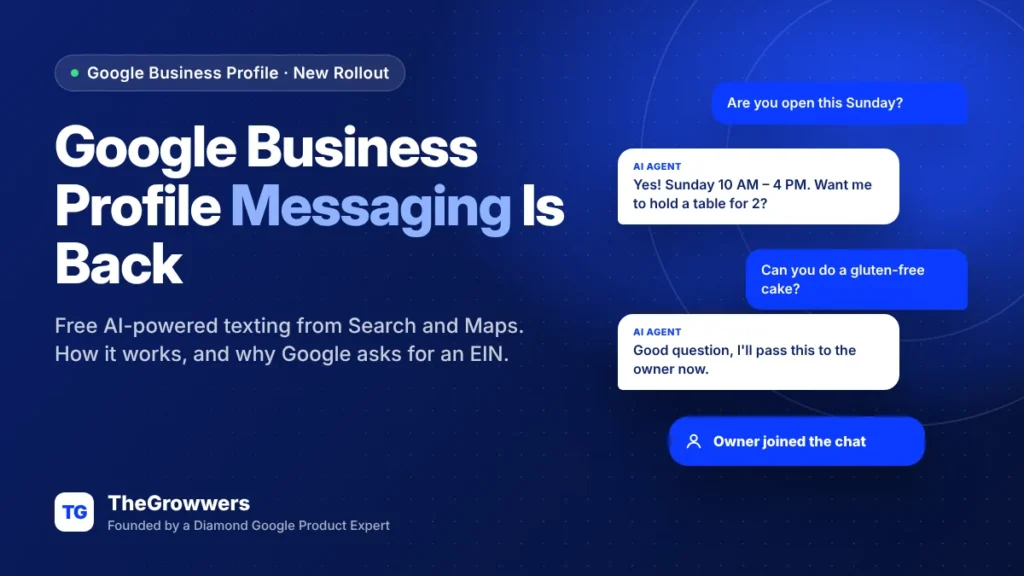
Google Business Profile messaging is rolling out to more businesses as a free “AI-powered messaging” pilot: customers text you from Search and Maps in their phone’s normal messaging app, and an AI agent answers the routine questions for you. You can jump in and take over any conversation, any time.
If you’ve been in local SEO for a while, you remember Google killed the old Business Profile chat back in 2024. So yes, messaging is basically coming back. Just in a different shape, with AI in the middle and a few new hoops to jump through.
Here’s what it is, how to turn it on, why some businesses are being asked for an EIN, and whether you should actually let an AI answer your customers.
Last updated: November 2026
Key takeaways
- Google calls it an AI-powered messaging pilot and it’s offered as early access. It’s free.
- Customers message you from Search and Maps using their phone’s native messaging app, not a separate chat app.
- The AI agent only works when the customer’s phone and network support RCS. Everyone else sends a normal text that goes straight to your phone.
- You can take over any chat at any time, and all messages sit in your Business Profile.
- Some businesses are asked for an EIN and a privacy policy URL before messages switch on, with a review that takes about 3–4 working days.
What is Google Business Profile AI-powered messaging?
It’s a way for customers to text your business straight from your listing on Google Search and Maps. Google describes it as letting customers “message your business on their phone’s native messaging app,” with an AI agent that answers routine questions “instantly and at no cost.”
Search Engine Roundtable reported the wider rollout on October 29, 2026, after Claudia Tomina spotted it and Mike Blumenthal shared the email Google is sending to businesses. Google’s email calls it an “AI-powered messaging pilot” offered as “early access.”
The big difference from the old chat feature: messages don’t live inside a Google Maps app inbox anymore. They land in the customer’s regular messaging app. That’s a lot more natural for people, honestly. Nobody wants another app.
How does the AI agent work?
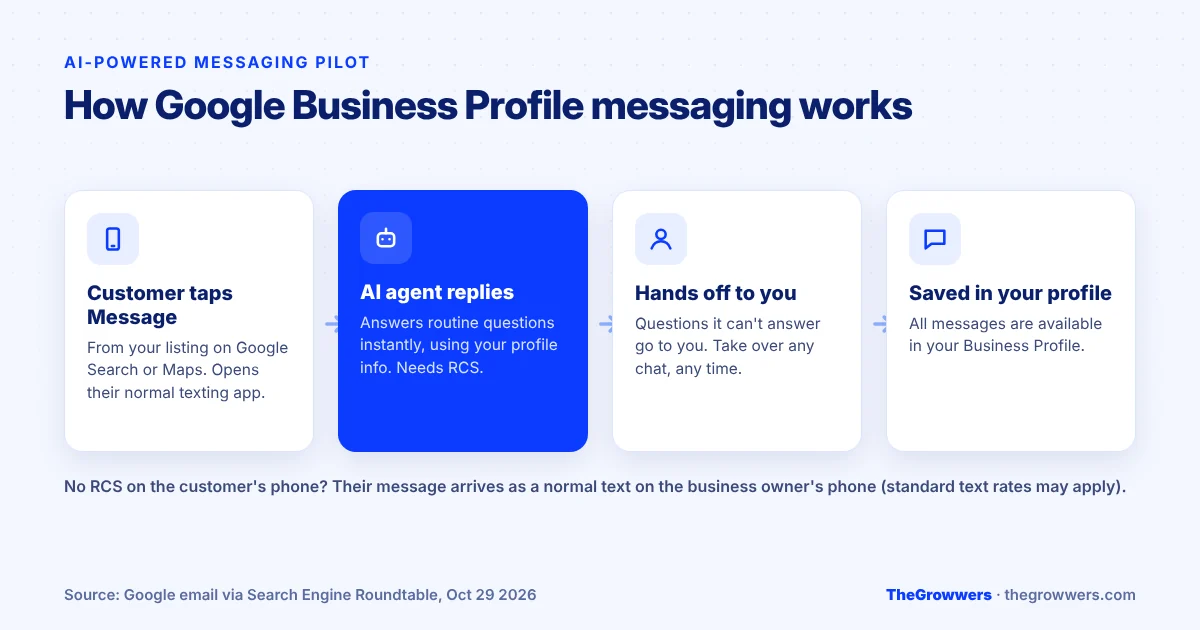
Based on what Google has shared so far:
- The AI answers the routine stuff. Hours, what’s on the menu, prices, availability. In Google’s example, the agent shows menu items with photos and prices, and offers open reservation times.
- It hands off what it can’t answer. Anything outside its knowledge goes to you.
- You can take over any time. Jump into a conversation whenever you want.
- Everything is saved in your Business Profile. All messages are available there.
The RCS catch
The AI agent only works for customers whose phone and network support RCS (the newer “rich” messaging standard). For everyone else, the message arrives as a regular text that goes directly to the business owner’s phone, and standard text rates may apply.
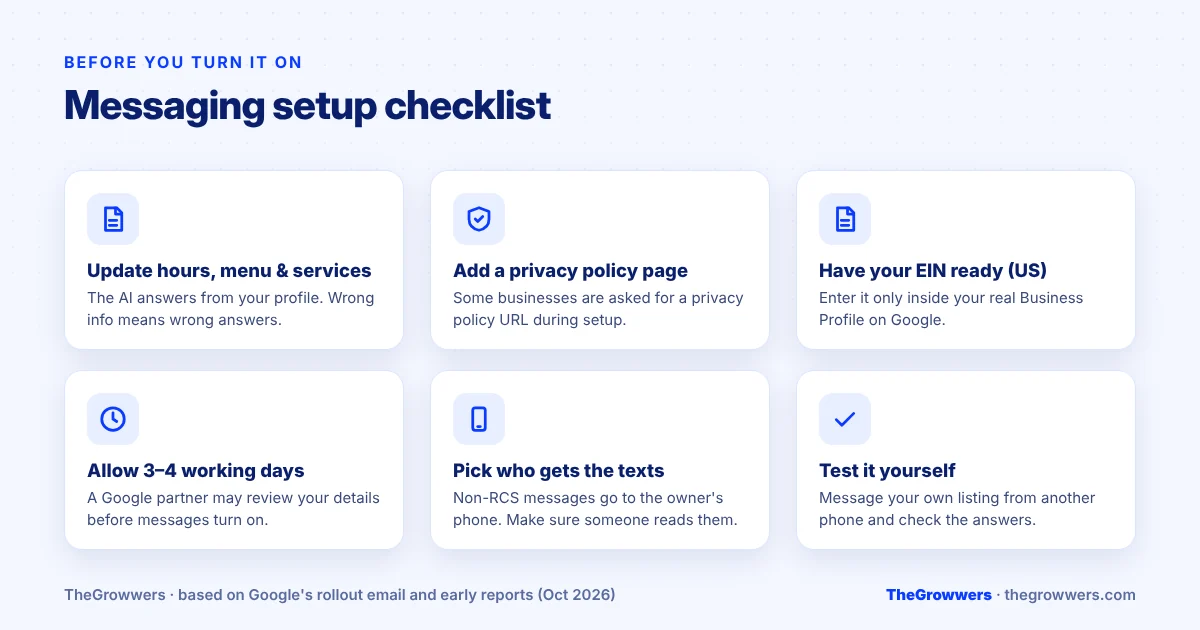
So in practice, you’ll get two kinds of conversations. Some answered by the AI, some landing on your phone like any other text. Make sure the right person is actually holding that phone.
How to turn on messaging in your Business Profile
- Look for the red dot on the Messages section of your Business Profile. That’s the sign you have access.
- Click it to open the welcome screen.
- Turn the feature on.
- Complete any review step Google asks for (more on the EIN request below).
One warning before you click. The AI can only answer as well as your profile is filled in. Claudia Tomina, who spotted the rollout, recommends updating your menu, hours and services first, and I completely agree. If your hours are wrong on Google, the AI will happily tell customers the wrong hours. Confidently.
Why is Google asking for an EIN?
This is the part that’s making owners nervous. A reader told Search Engine Roundtable on October 28 that while setting up the message button, Google asked for an EIN (Employer Identification Number, the US federal tax ID for businesses) and an additional privacy policy URL.
The on-screen message said: “To help protect you and your customers, a Google partner will review your details before you can receive messages.” And: “This takes about three to four working days.”
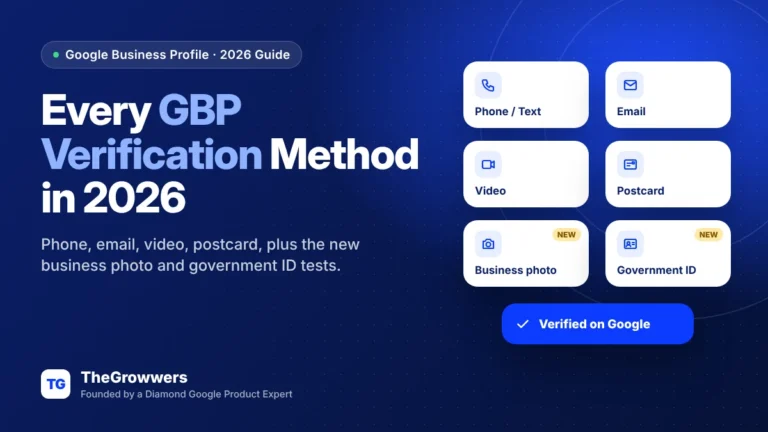
Google hasn’t published help documentation on this yet, so we don’t know exactly which businesses get asked or why. My read: it fits how business texting tends to work, where platforms check who a business is before letting it message customers, to cut down on spam and scam texts. Asking for an EIN is a lot less invasive than the government ID verification test Google started in October.
What we’d do:
- Only enter your EIN inside your actual Business Profile, on Google. Never in a form someone emailed you.
- Have a real privacy policy page on your website before you start. If you don’t have one, now’s the time.
- Make sure the business name tied to your EIN matches your Business Profile name. Mismatches tend to cause trouble everywhere in Google’s systems.
Should you let an AI answer your customers?
Honest answer? For most local businesses, yes, but with your eyes open.
| Good fit | Be careful |
|---|---|
| Restaurants and cafes (menu, hours, reservations) | Legal, medical or financial services where a wrong answer is a liability |
| Salons, gyms, studios with clear pricing | Businesses where prices depend on a quote or inspection |
| Retail with a simple product range | Profiles with outdated hours, services or prices |
| Busy businesses that miss calls during peak times | Teams that won’t check the handoff messages |
The real risk isn’t the AI being rude. It’s the AI being confidently wrong because your profile is out of date, or customers getting handed off to a phone nobody checks. Both are fixable.
Does messaging help your Google Maps ranking?
There’s no evidence that turning on messaging boosts rankings directly. Google’s local ranking is still about relevance, distance and prominence.
But it can help the thing that rankings are for: getting customers. Someone at 10 PM who wants to know if you’re open Sunday will text before they call. If they get an instant answer, that’s a lead you’d have lost. And Google does track messages in your performance data. Its help page defines the Messages metric as “the number of different conversations through messages.”
How this connects to Google Business Home
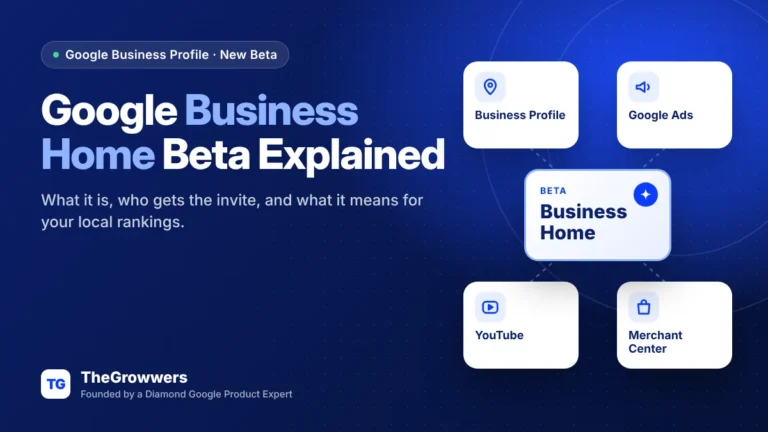
This isn’t happening in isolation. When Google started testing Google Business Home in October, AI-powered messaging through RCS was one of its four core features. Google is clearly building toward an AI that talks to your customers, writes your posts and answers questions on your behalf. Messaging is the piece most businesses will actually touch first.
Final thoughts
Google Business Profile messaging is back, free, and now powered by an AI agent that answers routine questions while you stay in control. If you see the red dot, it’s worth turning on. Just update your hours, services and menu first, get a privacy policy on your site, and make sure someone actually reads the handoff texts.
Want help getting your profile ready, or not sure why the option isn’t showing for you? Our local SEO team can audit your profile, or you can book a free consultation.
Frequently asked questions
Is Google Business Profile messaging free?
Yes. Google says the AI agent answers routine customer questions “at no cost,” and the pilot is free to join. The only cost mentioned is that customers whose phones don’t support RCS send standard texts to the business owner’s phone, and standard text rates may apply.
How do I turn on messaging on my Google Business Profile?
If your business has access, you’ll see a red dot on the Messages section of your Business Profile. Click it to open a welcome screen and turn the feature on. Some businesses then have to complete a review step, which can include an EIN and a privacy policy URL.
Why don’t I see the messaging option?
Google is calling it a pilot with early access, and it’s rolling out gradually. Not every business has it yet, and Google hasn’t published which countries or categories are included. Keep your profile verified and complete, and check the Messages section periodically.
Can I turn off the AI and answer messages myself?
You can take over any conversation at any time, and the AI hands off questions it can’t answer. Google hasn’t published detailed controls yet, so check the settings in your Messages section once it’s switched on to see what you can adjust.
Why is Google asking for my EIN?
Some businesses setting up messaging see a notice that a Google partner will review their details before they can receive messages, which takes about three to four working days. The request includes an EIN and a privacy policy URL. Google hasn’t published documentation explaining it yet.
What is RCS and why does it matter here?
RCS is the newer messaging standard used by modern phones and networks, adding features beyond plain SMS. Google’s AI agent only answers customers whose phone and network support RCS. Other customers send a regular text that goes straight to the business owner’s phone instead.