
On this page
- What is Google testing in the AI Overview local pack?
- What’s missing compared to the normal local pack?
- Why does this matter for local businesses?
- Does your Business Profile still matter if the buttons are gone?
- How can you tell if it’s affecting your calls and clicks?
- What should you do now?
- Final thoughts
- Frequently asked questions
- Is the AI Overview local pack without buttons rolling out to everyone?
- Will my business still appear in the AI Overview local pack?
- Where do I check my Google Business Profile calls and clicks?
- Why did my calls drop but my profile views stayed the same?
- Do reviews still matter if this layout hides them?
- Should I change anything on my profile because of this test?
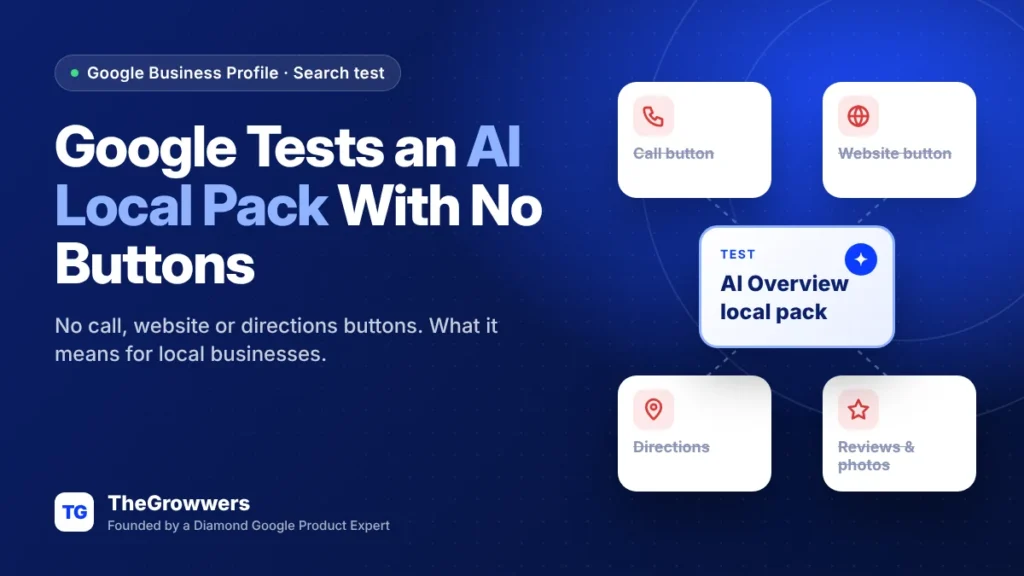
Google is testing an AI Overview local pack that strips out the action buttons (call, website, directions), plus reviews and photos. It still pulls from your Google Business Profile, it just shows a lot less of it. And on mobile, when this version appears, the traditional local pack is gone from the page.
It’s a test, not a full rollout. But it was reported on November 10, 2026, and it’s the kind of change that hits small businesses straight in the phone line.
So if you run a local business that lives on calls and direction requests, this one’s for you. Here’s what changed, why it matters, and what we’d do this week.
Last updated: November 2026
Key takeaways
- Google is testing an AI Overview local pack with no action buttons, reviews or photos.
- On mobile, the regular local pack disappears from the page when this version shows.
- Fewer buttons on Search means fewer one-tap calls, website visits and direction requests.
- Your Business Profile still feeds the AI answer, so profile accuracy matters more, not less.
- Start tracking calls, clicks and directions now so you can spot a drop if the test spreads.
What is Google testing in the AI Overview local pack?
Google is testing a version of the AI-powered local pack that lists businesses without the usual action buttons (call, website, directions) and without reviews or photos. Barry Schwartz reported it on Search Engine Roundtable on November 10, 2026, after Joy Hawkins flagged it on X, and he says he could replicate it himself.
AI Overview local packs aren’t new. They’ve been around for a couple of years. What’s new is how bare this one is.
Joy Hawkins’ post adds two details: address and hours are missing too, and on mobile the traditional local pack is gone every time this version shows. It still uses Business Profile data. It just hides most of what makes a profile useful to someone who wants to call you right now.
Barry’s read was blunt: this can’t be good for clicks, calls and direction actions. Ours too.
What’s missing compared to the normal local pack?
Pretty much everything a customer taps. The test version keeps your business in an AI-written answer but drops the buttons and trust signals that sit under each listing in the normal pack.
| Element | Normal local pack | AI Overview test version |
|---|---|---|
| Call button | Yes | Removed |
| Website button | Yes | Removed |
| Directions button | Yes | Removed |
| Star rating & reviews | Yes | Removed |
| Photos | Yes | Removed |
| Address & hours | Yes | Removed (per Joy Hawkins) |
| Uses Business Profile data | Yes | Yes |
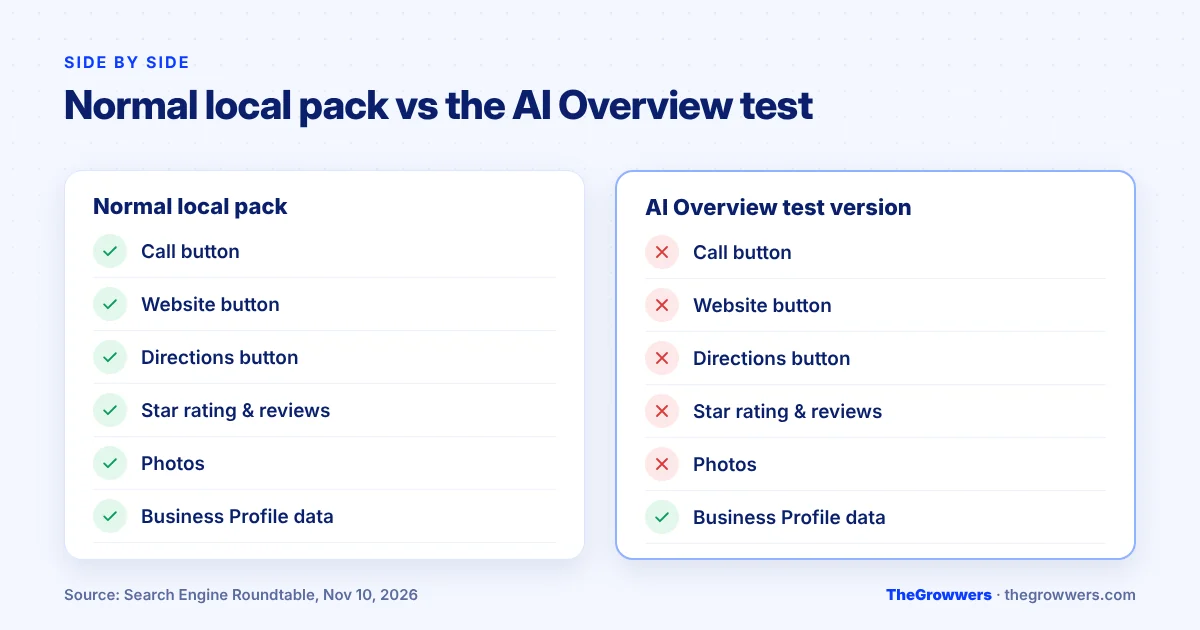
Takeaway: your listing might still “show up”, but the shortcut from search result to phone call is gone in this layout.
Why does this matter for local businesses?
Because most local search value comes from actions, not impressions. A plumber doesn’t get paid when someone reads their name in an AI summary. They get paid when someone taps Call.
Google’s own Business Profile performance report tracks exactly these actions: calls, website clicks, direction requests, bookings and messages. Those are the numbers that move when buttons disappear.
Here’s the honest version: nobody outside Google knows how widely this test is running. Search Engine Roundtable described it as a test, and Google hasn’t announced a rollout. So don’t panic. But don’t ignore it either. If it rolls out, the businesses that already watch their numbers will spot it first.
One more thing. It lands in the middle of the November 2026 core update, so a dip in traffic this month could have more than one cause. That’s another reason to look at actions, not just rankings.
Does your Business Profile still matter if the buttons are gone?
Yes, arguably more. The test version still builds its answer from Google Business Profile data. If your categories, services, description or hours are wrong, the AI summary can be wrong too, and the customer has fewer ways to double-check.
And when a searcher does click into your full profile (or opens Maps), they’ll see everything again: reviews, photos, the call button. So the profile is still where the decision gets made. It’s just one tap further away.
TheGrowwers recommends treating your profile as the source material the AI is quoting. Clear primary category, real services, accurate hours, a description that says what you do and where.
How can you tell if it’s affecting your calls and clicks?
Check your Business Profile performance report every week and compare calls, website clicks and direction requests with the same period before. A sudden drop in actions while views stay flat is the pattern to watch for.
To find it on a computer, go to your Business Profile and click Performance, then pick a date range. In the Google Maps app, tap Business, then See more next to Performance.
A few things worth knowing from Google’s help page:
- Performance data is only available for verified profiles.
- Views count unique visitors, and a person is only counted once a day.
- The data includes both organic results and Google Ads, so a paused ad campaign can move these numbers too.
- The searches metric updates at the start of each month and can take up to 5 days to show.
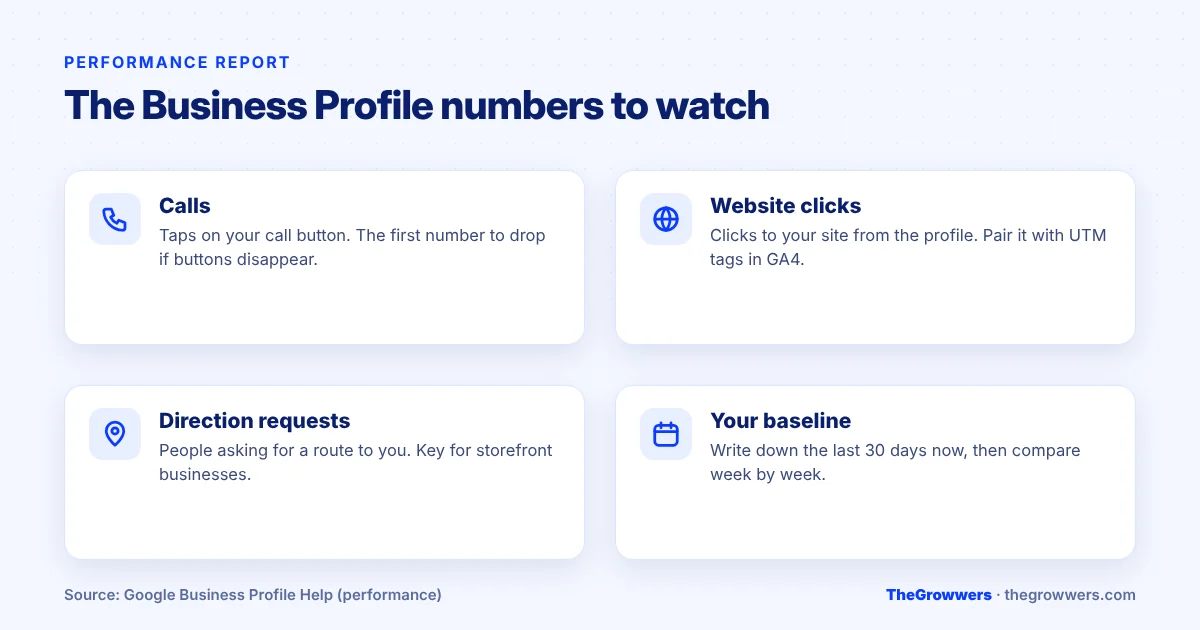
Takeaway: write down this month’s baseline now. You can’t measure a drop you never recorded.
What should you do now?
Nothing drastic. This is a test. But these steps are cheap and they protect you either way.
- Record your baseline. Note calls, website clicks and direction requests for the last 30 days.
- Tag your website link. Add UTM parameters to the website URL on your profile so Analytics shows which visits came from your profile.
- Audit your profile facts. Primary category, services, hours, holiday hours, description. The AI answer is built on these.
- Keep reviews coming. They’re hidden in this test layout, but they still show on your full profile and in Maps, where people go to compare.
- Make your website answer the same questions. Service pages with clear areas, prices (if you can), and a visible phone number. If Google sends fewer one-tap calls, your site has to close the gap.
- Watch Maps separately. This test was reported in Search. Maps traffic may behave differently.
Final thoughts
Google keeps reshaping the AI Overview local pack, and this version is the most stripped-back one so far. It may revert. It may not.
Either way, the businesses that win are the ones with an accurate Business Profile, a website that can convert on its own, and numbers they actually check. If you want a second pair of eyes on your profile and tracking, our local SEO team can help, or book a free consultation. And if you’re curious about the other AI changes on profiles this month, read our post on Google Business Profile AI messaging.
Frequently asked questions
Is the AI Overview local pack without buttons rolling out to everyone?
No, not as of mid-November 2026. Search Engine Roundtable reported it on November 10, 2026 as a test, and Google hasn’t announced a rollout. Tests like this can expand, change or disappear, so track your numbers rather than assuming either way.
Will my business still appear in the AI Overview local pack?
It can. The test version still uses Google Business Profile data to list businesses. What changes is how much of your profile is shown. Your name and a short AI description may appear, but the action buttons, reviews and photos are removed in this version.
Where do I check my Google Business Profile calls and clicks?
Go to your Business Profile and click Performance, then choose a date range. In the Google Maps app, tap Business, then See more next to Performance. You’ll see calls, website clicks, directions and other actions, but only if your profile is verified.
Why did my calls drop but my profile views stayed the same?
Several things can cause that, including layout changes like this test, a paused Google Ads campaign (performance data includes ads), seasonality, or ranking changes from the November 2026 core update. Compare the same date range year over year and check Analytics before blaming one cause.
Do reviews still matter if this layout hides them?
Yes. This test hides reviews in one Search layout, but they still show on your full Business Profile and in Google Maps, which is where many people compare businesses before calling. Keep asking happy customers for reviews and keep replying to them.
Should I change anything on my profile because of this test?
You don’t need special changes. Make sure the basics are accurate (primary category, services, hours, description) because the AI answer is built from them. Add UTM tracking to your website link so you can see profile traffic clearly in Google Analytics.
Sources: Search Engine Roundtable, Nov 10, 2026 · Google Business Profile Help: performance & insights