
A Google Business Profile is one of the most powerful tools for improving local visibility on Google Search and Google Maps. It helps businesses appear in front of nearby customers, build credibility, collect reviews, and increase leads organically.
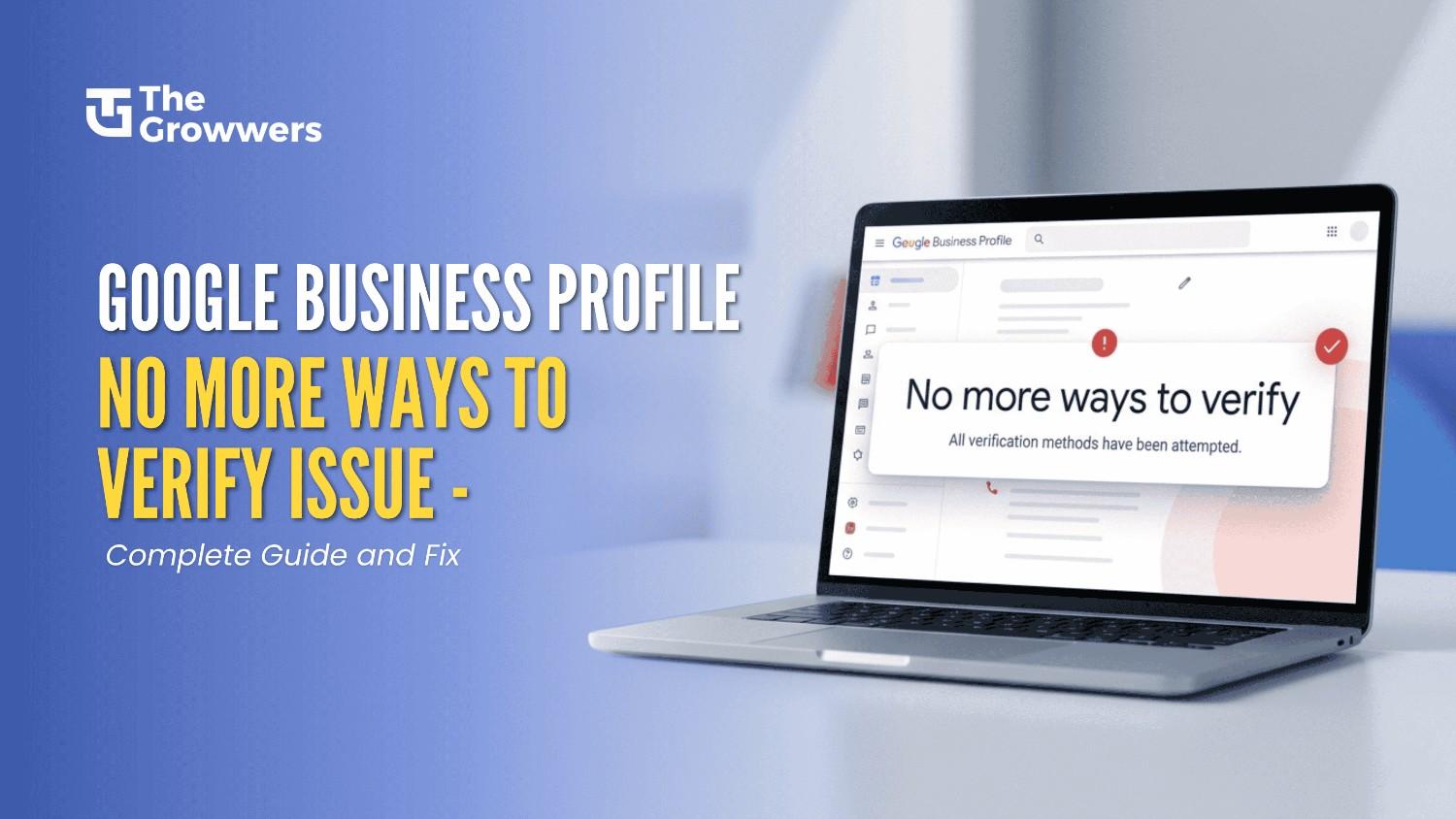
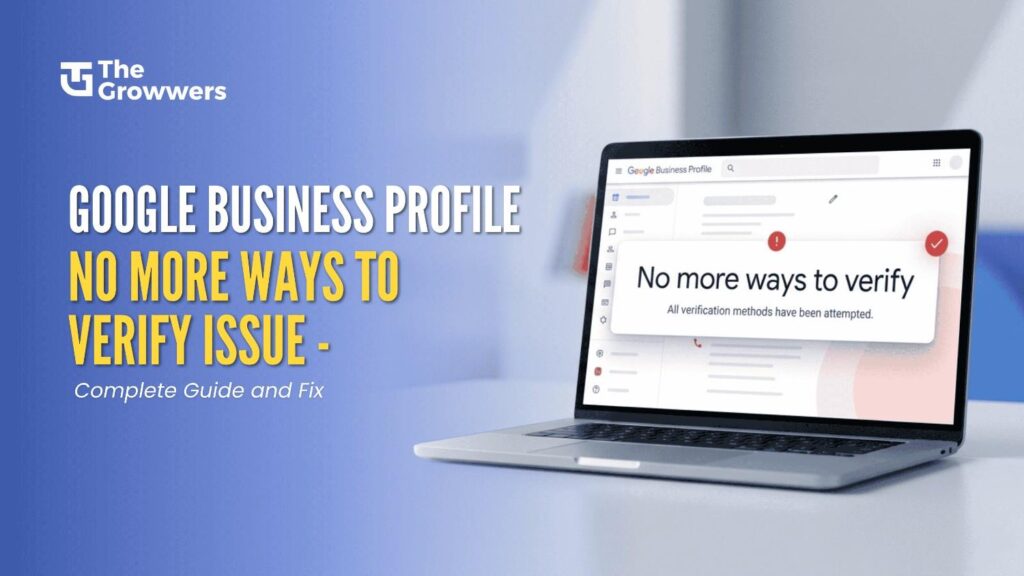
However, many business owners and agencies have recently started facing a frustrating issue during the verification process. Instead of getting verified normally, the profile suddenly displays the message:
“No more ways to verify. All verification methods have been attempted.”
This message creates confusion because even genuine businesses with real locations and operations are unable to continue the verification process. In some cases, the profile gets temporarily locked. In other situations, Google requires additional manual checks before allowing the profile to go live.
The issue has become increasingly common due to Google’s stricter anti-spam systems and automated trust checks. Fortunately, this problem can still be resolved if the correct recovery process is followed.
In this complete guide, you will learn:
What You Will Learn in This Blog
- What the “No More Ways to Verify” issue actually means
- Why do genuine businesses face this problem
- Common reasons behind verification failure
- How Google’s verification system works
- Exact step-by-step process to recover the profile
- How live video verification works
- Best practices to avoid this issue in the future
- What to do after successful verification
Understanding the Google Business Profile Verification Issue
When creating or managing a Google Business Profile, businesses usually receive different verification options, such as:
Common Verification Methods
- Video Verification
Google asks the business owner to record and upload a video showing the location, branding, and operations.
- Phone Verification
A phone call or an SMS sends a code to confirm ownership.
- Email Verification
A confirmation code is sent by Google to your registered business email.
- Postcard Verification
A postcard with a code is sent to the business address.
- Live Video Verification
A Google support representative verifies the business in real time through a live video call.
When all of Google’s automated options for verification have been exhausted or are unavailable, Google shows the message:
“No More Ways to Verify”
Google’s automated system has run out of options to verify you, and now you need to prove your trustworthiness somehow before it can move forward.
Please note that this does NOT mean that your business is fake or suspended. It’s normal for legitimate businesses to run into this problem – the systems aren’t perfect, trust signals conflict, or verification attempts are repeated.
Why This Issue Happens
Google’s systems are heavily dependent on automated signals of trust. If it looks like something is off or not right, the site might halt further checks.Here are the most common causes for this problem.
Common Reasons Behind the “No More Ways to Verify” Problem
1. Multiple Verification Attempts Have Failed
Repeated failing verification attempts are one of the biggest triggers. When a business repeatedly uploads the wrong videos, spell one-time or phone codes, or go through the verification process too many times, Google may temporarily block additional options.
Repeated failures are considered by the system to be an attack.
2. Frequent Changes to Business Information
Constantly editing important details such as:
Core Business Details
- Business name
- Address
- Phone number
- Website
- Category
Can reduce trust signals.
Google expects stable business information. Frequent changes make the system question the authenticity of the profile.
3. Suspicious Activity Detected by Google
Google employs automated spam detection systems to detect suspicious activity.
Examples include:
Actions That Cause Spam Signals to Be Fired
- Logging in from different places
- Multiple Device Repeats
- Posting multiple listings at once
- Over-editing the profile
- Verifying too many times
Even legitimate businesses can inadvertently trigger these signals.
4. Mismatched Online Data
Your business information should be consistent wherever it is found online.
If your:
- Website
- Social profiles
- Local directories
- Citations
- Contact information
If your business details or contact information on the website differ from what is listed on social media or local business directories, then Google might lose trust in the listing.
This type of inconsistency is what we refer to as a NAP mismatch (meaning Name, Address, and Phone number).
5. Using Virtual Offices or Unsupported Addresses
Google wants real, physical businesses.
Profiles using:
Unsupported Address Types
- Virtual offices
- Shared co-working spaces
- PO boxes
- Temporary addresses
Often face stricter verification checks.
When Google is unable to verify that the business has a storefront or customers can visit or meet at the business in another manner, it may not be able to verify the business.
6. High-Risk Business Categories
Some types of businesses are more scrutinized because the category is frequently abused by spam listings.
Here are some of them:
High Risk Categories:
- Locksmiths
- Garage door repair
- HVAC companies
- Lawyers
- Contractors
- Plumbers
- Roofing companies
Such industries generally need more trust verification.
Sometimes It Is Simply a Google Glitch
In most cases, this problem is caused by temporary system errors or malfunctions in Google’s verification system.
Even completely legit businesses with all the information sometimes get caught in the system, not being able to process verification.
That’s why you need to get in touch with support.
Step-by-Step Process to Resolve the Issue
Now, let us understand the actual recovery process used in most successful verification cases.
Step 1: Contact Google Support
This is the most important first step.
When the profile shows “No More Ways to Verify,” you should immediately contact support.
How to Contact Support
Step-by-Step Instructions
- Click the Contact Support link from the verification screen
- Fill out the support form carefully
- Enter accurate business information
- Submit the request through email support
- Wait for Google’s response
- Reply to the support email
- Request live video verification
Google support usually responds within 48 hours.
Information You Should Provide
To improve approval chances, include:
Required Details
- Business name
- Full address
- Phone number
- Website
- Business category
- Screenshots if needed
- Explanation of the issue
Always provide accurate information that exactly matches your profile.
Step 2 : Communication via Google Support Team
When you’ve submitted the support request, Google typically reviews the matter manually.
The support team may:
Response options
- Provide live video verification
- Request additional evidence
- Seek clarification
- Request photos of the storefronts
- Ask for proof of operations
It is crucial to this stage as Google is actually evaluating the company to determine whether it is legitimate or not.
Important Tips During Support Communication
Reply Quickly
Slow response might cause delay in the procedure or close the case automatically.
Stay Professional
Don’t get emotional or respond aggressively. Communication is key in making support know what they should do.
Stop Providing Conflicting Information
Your replies must be the exact same information that is on your Google Business Profile and your website.
Step 3 Live Video Verification Process
Live video verification has become one of Google’s most common recovery methods.
This process allows Google to confirm the business in real time.
How Live Video Verification Works
Google schedules a live video call with the business owner or authorized representative.
During the call, the support agent guides the process while you use your mobile phone camera to show the business location and operations.
What Google Could Request You to Display
Business exterior
Google typically wants you to show:
Exterior Proof
- Building entrance
- Storefront
- Permanent signage
- Nearby landmarks
- Street signs
That proves the business actually exists at that place.
Inside the Business
The agent may also request:
Interior Proof
- Office layout
- Workstations
- Equipment
- Tools
- Products
- Areas commonly used or, if relevant, operational areas
That helps verify a running business.
Business Branding
Google often checks for:
Branding Signals
- Logo signage
- Branded vehicles
- Marketing materials
- Business cards
- Employee workspace
These signals strengthen authenticity.
Questions Asked During the Verification Call
The support representative may ask simple business-related questions such as:
Common Verification Questions
- What is your business name?
- What services do you offer?
- What is your business category?
- What is your website?
- What phone number do customers use?
- Where do you operate from?
The goal is to ensure everything matches the information on the profile.
What Happens After Successful Live Verification
If the support agent is satisfied, they usually confirm that the verification process has been completed successfully.
However, approval may still take a few days because Google performs a final internal review.
Timeline After Verification
Most profiles get approved within:
Average Approval Time
• 24 hours to 5 business days
Although timelines can vary depending on the case complexity.
Benefits After Verification
Once verified successfully:
1. Improved Google Visibility
The business becomes eligible to appear on Google Search and Maps.
2. Better Local Rankings
Verified businesses gain stronger trust signals that can improve local SEO performance over time.
3. Customer Engagement Features Become Active
You can start receiving:
4. Active Profile Features
- Customer reviews
- Calls
- Website visits
- Direction requests
- Messages
Important Things to Avoid After Verification
Many businesses accidentally trigger problems again after approval.
Avoid these mistakes immediately after verification.
Do Not Make Major Profile Changes
Avoid editing:
Sensitive Information
- Business name
- Address
- Primary category
- Phone number
Unless necessary.
Large edits can trigger re-verification.
Don’t Stuff Keywords
Don’t add extra keywords to your business name just to rank higher.
Example of keyword stuffing:
“ABC Plumbing Best Emergency Plumber Toronto Cheap Plumbing Services”
This is a violation of the guidelines of Google and could lead to suspension.
Stay Consistent Online
Your business information should be exactly the same on every site you use, including:
Platforms that Matter
• Website
• Social media
• Local directories
• Citations
• Contact us pages
Consistency means trust for Google.
Best Practices to Avoid Verification Problems in the Future
Use a Real Business Location
Always use a legitimate physical business location whenever possible.
1. Upload Real Photos
Use authentic photos of:
Recommended Photos
- Storefront
- Team
- Office
- Equipment
- Services
Real images improve trust signals.
2. Keep Your Website Updated
Ensure your website clearly displays:
Website Trust Signals
• Business name
• Address
• Phone number
• Services
• Contact information
3. Maintain Business Activity
Regularly update your profile with:
Active Profile Management
• Posts
• Photos
• Reviews
• Business updates
An active profile appears more trustworthy.
Why Legitimate Businesses Are Still Getting Stuck
One of the most annoying things about the problem is that it affects legitimate businesses as well.
This is because early verification systems employed by Google are automated. Automated systems use patterns and signals rather than humans to make decisions.
Even small discrepancies can cause trust scores to drop temporarily.
Examples include:
Small Problems That Cause Verification Difficulties
- Minor differences in address formatting
- Site down temporarily
- Multiple verification attempts
- No signage
- Poor quality video during verification
Which is why the need for manual support/live video verification has become a key recovery method.
Why Google Has Become More Strict with Verification
Google Business Profile Help has significantly tightened verification standards over the past few years.
The primary reason is spam prevention.
Fake listings were becoming a serious issue on Google Maps. Many businesses created duplicate profiles or fake locations to manipulate local rankings.
To improve trust and search quality, Google introduced stricter verification systems.
Advantages of Google’s Rigorous Verification Process
1. Eliminating Fake Listings
Enhanced verification removes spam businesses and fake service area entries from Maps.
2. Enhance Local Search Relevance
Now users get more trustworthy and relevant local search results.
3. User Trust Boosting
Verified profiles containing authentic details instill greater confidence in customers and enhance the experience for users.
4. You Save Real Businesses
Rigorous protocols ensure that legitimate businesses can compete on a level playing field and not be drowned out by false ones.
Final Thought
The “No More Ways to Verify” issue on Google Business Profile can really become stressful, particularly for legitimate businesses that are trying to get started online.
However, this problem is ordinarily fixable if you follow the right process meticulously.
The primary actions are:
Quick Recap
- Contact Google support immediately
- Provide accurate business information
- Respond to support emails promptly
- Ask for live video verification
- Demonstrate real business operations clearly
- Keep your profile consistent afterward
In the majority of positive outcomes, businesses are able to recover and verify their profiles using the live video verification and manual review process.
As Google builds out its anti-spam systems, trust, consistency, and authenticity will be even more critical for long-term local SEO success.
Frequently Asked Questions
-
What does No More Ways to Verify mean in Google Business Profile?
It means Google has exhausted all automated verification methods and may require manual review or live video verification.
-
How long does Google Business Profile verification take?
Most verification cases are resolved within a few days after successful live video verification.
-
Can a real business get stuck in verification?
Yes. Even genuine businesses can face verification issues due to inconsistent signals or repeated attempts.
-
What is live video verification in Google Business Profile?
It is a real time video call where Google checks your business location, signage, and operations.
-
How do I contact Google Business Profile support?
You can contact support directly through the Google Business Profile Help section and submit a verification support request.